
How to Apply for Government Jobs Guide
Master the federal and state hiring process. Access structured guidebooks, optimize your resume for agency filters, and track real-time portal openings.
Explore Application Guides
Master the recruitment workflow with our comprehensive, step-by-step documentation. Select a guide below to clear any hurdles in your application process.
Step-by-Step
Required Documents
Registration & Login
Fee & Payment
Status & Correction
FAQs
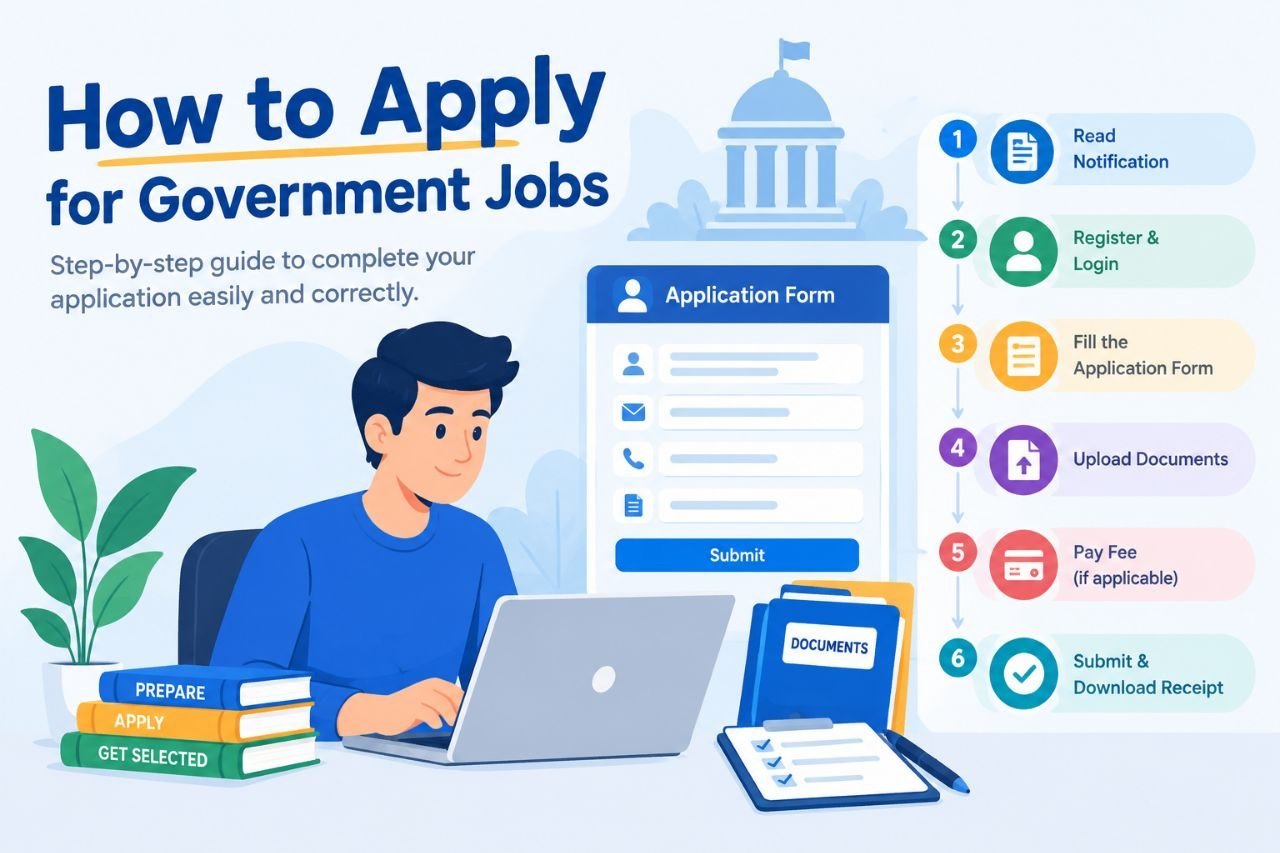
Step-by-Step Application Process
Before you start, make sure you fullfill the eligibility criteria mentioned in the official notification.
Visit Official Website
Access the official recruitment portal directly.
Register / Login
Fill Application Form
Upload Documents
Pay Application Fee
Submit & Print
Important: Always read the official notification carefully before applying. Provide correct details to avoid rejection.
Documents Required for Job Applications
Passport Photo
Recent color photo on a light background, with exact size as per application guidelines.
Signature
Clearly penned signature on plain white paper, scanned with sharp contrast and cropped perfectly.
ID Proof
Aadhaar Card, PAN Card, Voter ID, Passport, or Driving License. Clearley scanned both Front and back sides.
Educational Certificates
Educational certificates, matriculation transcripts, and degrees validating your qualifications.
Caste Certificate
Valid community, reservation, or economic status certificates if seeking quota concessions.
Domicile
Residential proof or state-specific certificate required for local state reservation quotas.
Other Documents
Official medical certificate verifying physical disability status for PwD-specific posts.
Email / Mobile
Active primary mobile number and functional email inbox for direct application alerts and OTPs.
Government Portal Application Guides

Registration & Login Guide
- Create secure portal credentials & verify primary email
- Upload valid government IDs & photo verification
- Complete essential candidate profile details
- Instant activation via secure OTP SMS verification

Application Fee & Payment Guide
- Calculate required fees automatically based on category
- Pay securely with credit card, UPI, or NetBanking portals
- Generate official downloadable fee receipts instantly
- Real-time payment status tracking on your dashboard
Application Management & Dispatch Portal
Application Status & Form Correction
- Live tracking dashboard using Registration ID
- Official photo & signature re-upload utility
- Real-time correction window email alerts
- Automated status validation and diagnostics
Offline Application Process
- Official checklist for physical document compilation
- Prescribed self-attestation format and seals
- Pre-formatted postal slip address templates
- Official dispatch receipt scanning requirements

Photo & Signature Upload Guide
- Passport Photo: 3.5cm x 4.5cm, plain white background
- File size must be strictly between 20KB and 50KB
- Signature: Black ink on plain white paper, max 20KB
- Ensure no blur, shadow, or spectacles reflection
